Please note that the ‘reply by email’ feature has been temporarily disabled while some settings are updated. The website and email notifications continue to operate and we hope to have things back to normal shortly.
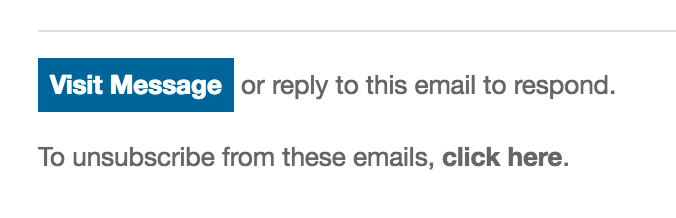
For those wondering what this feature is and how it works, notification emails sent out for topic replies or DMs contain the following in the footer:
Replying to those emails as normal will send your message to the hitreply+magickey@se23.life (where magickey is usually a long string of numbers and letters). The system will pickup these emails and put them on the appropriate conversation, or if something went wrong, bounce a reply to you.
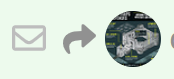
Messages that are sent via email can be distinguished by a small envelope icon in the header:
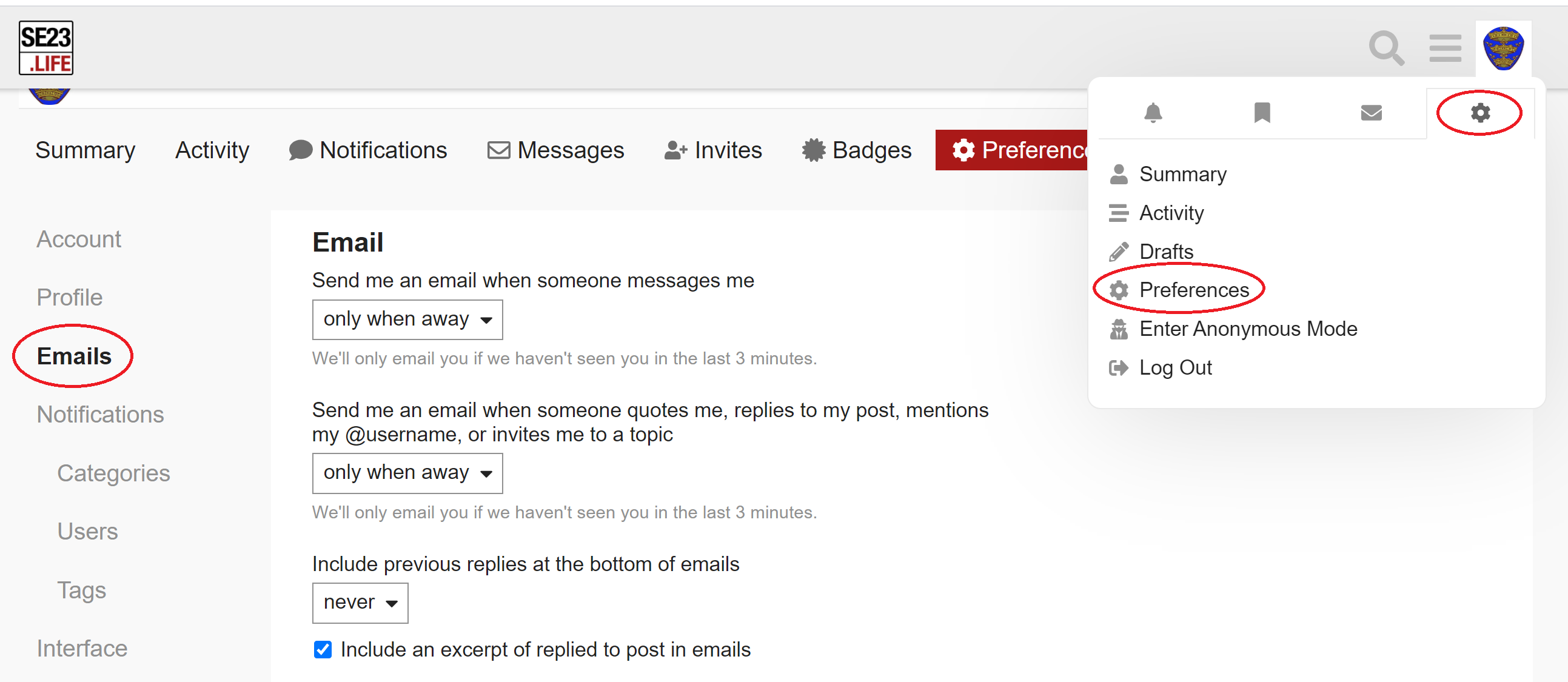
As a final note, if you find the site is sending you too many emails, the settings can be changed by clicking your user icon at the top-right of any page, clicking the cog icon, then selecting Preferences. The Emails section of the Preferences then allows you to change when emails will be sent: