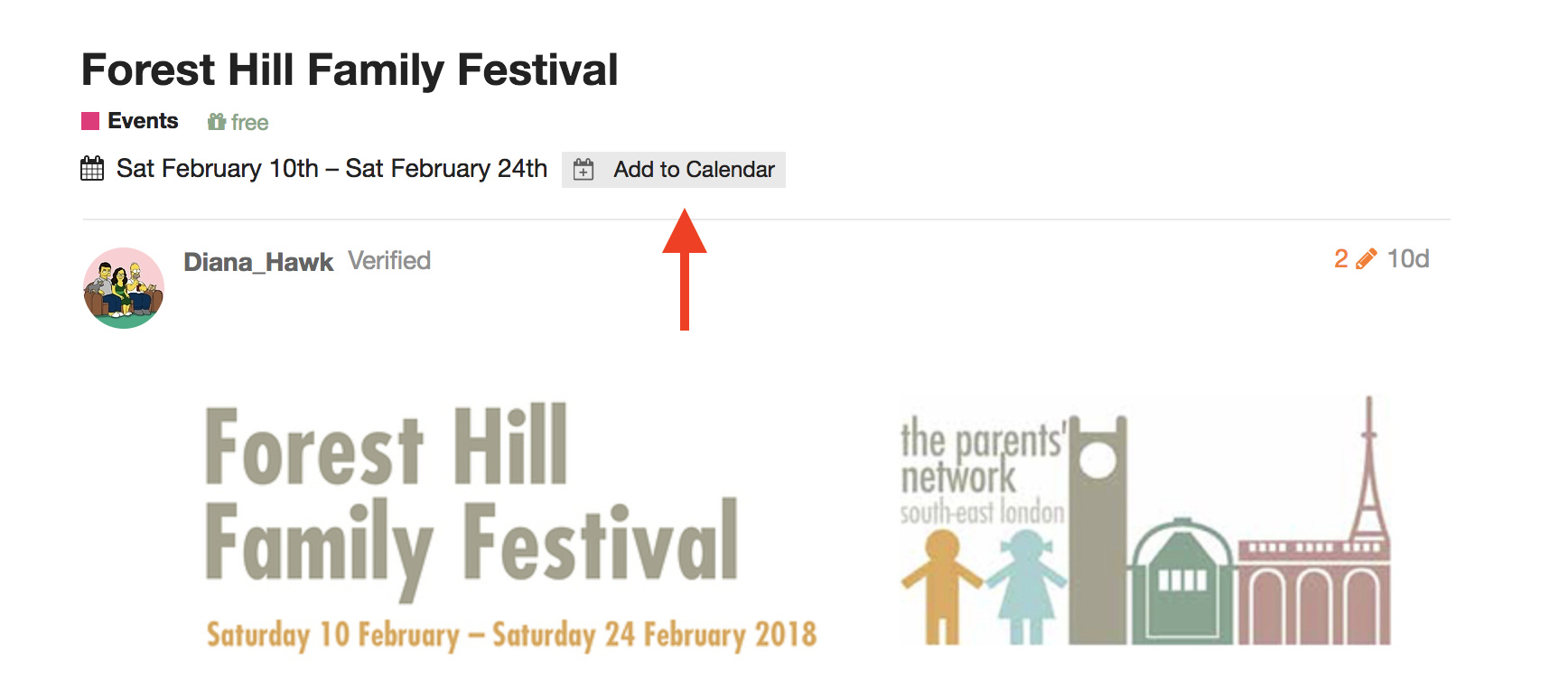
Posts in the #events, #streetscape, #general and #crime categories can now be given a date/time (or a range).
Adding a date/time to your topic means:
How to Add a Date / Time
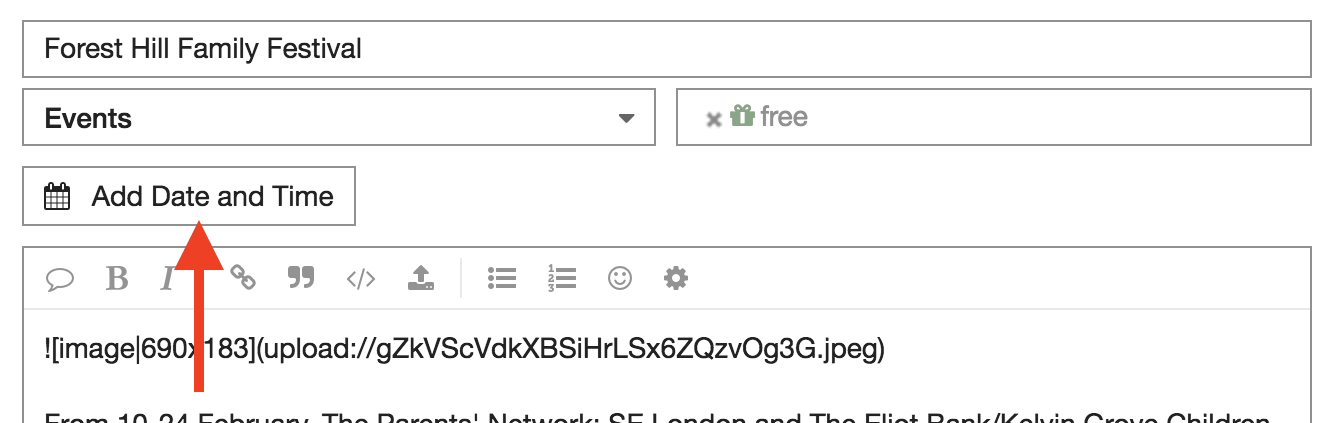
1. When editing your topic, click Add Date and Time
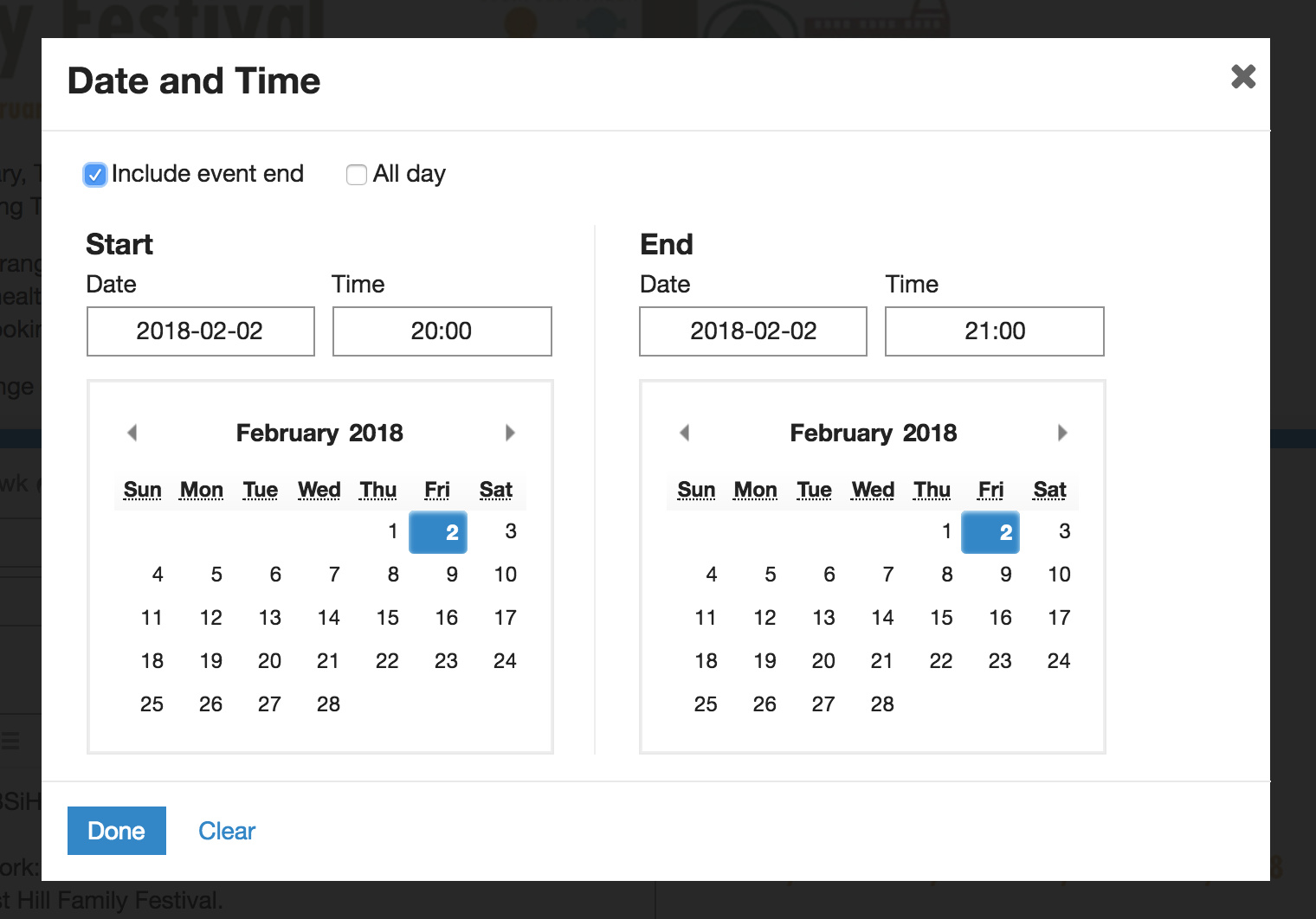
2. Click to set the dates and times. If times aren’t relevant, tick “All day”:
You can now subscribe to the SE23.life Calendar from the calendar app of your choice.
Links:
All categories:
webcal://se23.life/calendar.ics?time_zone=Europe/London
Events category:
webcal://se23.life/c/events/l/calendar.ics?time_zone=Europe/London
Local Services category:
webcal://se23.life/c/local-services/l/calendar.ics?time_zone=Europe/London
Streetscape category:
webcal://se23.life/c/streetscape/l/calendar.ics?time_zone=Europe/London
Naturescape category:
webcal://se23.life/c/naturescape/l/calendar.ics?time_zone=Europe/London
Local Politics category:
webcal://se23.life/c/local-politics/l/calendar.ics?time_zone=Europe/London
Crime category:
webcal://se23.life/c/crime/l/calendar.ics?time_zone=Europe/London
Instructions for Mac Calendar
-
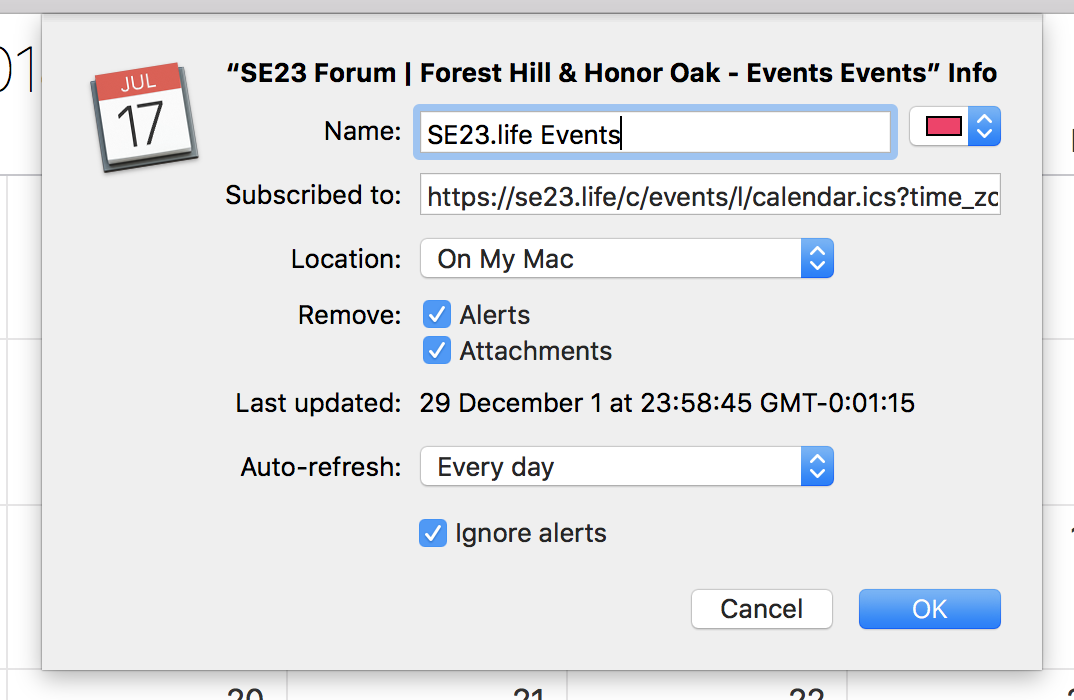
File > New Calendar Subscription…
- Enter the link (see above)
- Choose options:
Instructions for Google Calendar
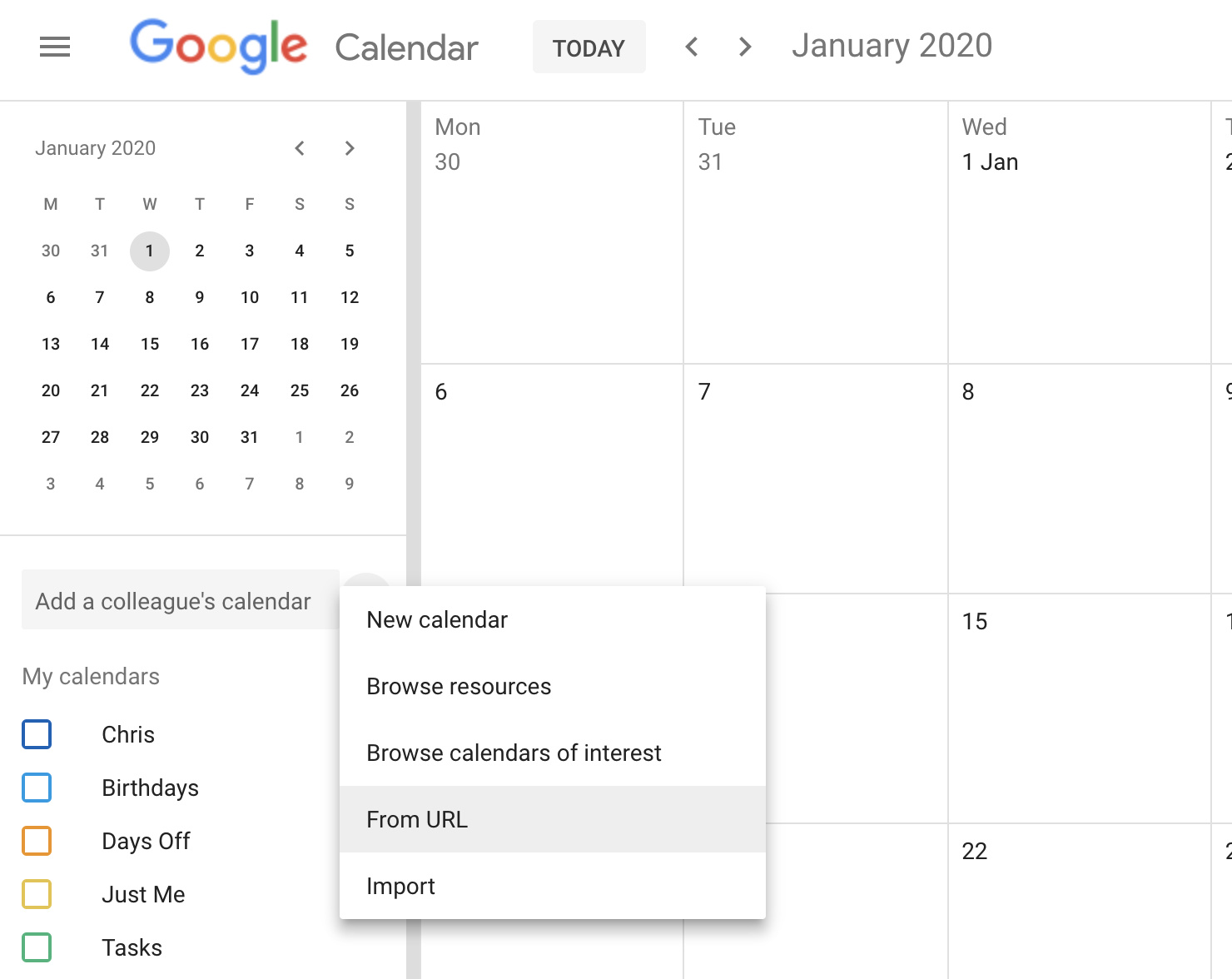
- Click + > From URL
- Enter the link (see above)